

HTTP 200 verified twice
Finding your next stop…
Loading the latest directory information.
Loading the latest directory information.
Start here for the decision-making essentials: what Sourcegraph Cody does, who it is for, how it is accessed, and the first-party sources behind this profile.
See official pricing
Sourcegraph is a Code Intelligence platform featuring Cody, an AI coding assistant that writes, fixes, and maintains code. It provides Code Search, Deep Search, Agentic Batch Changes, and code navigation across large enterprise codebases.
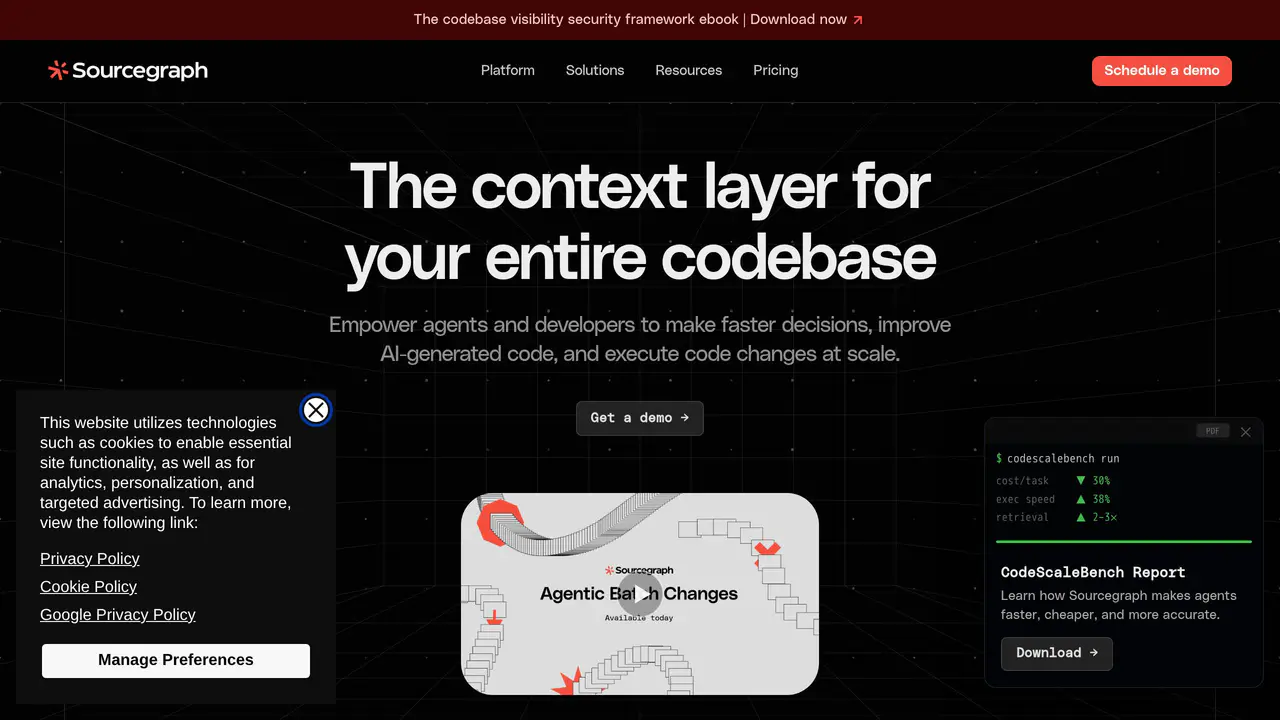
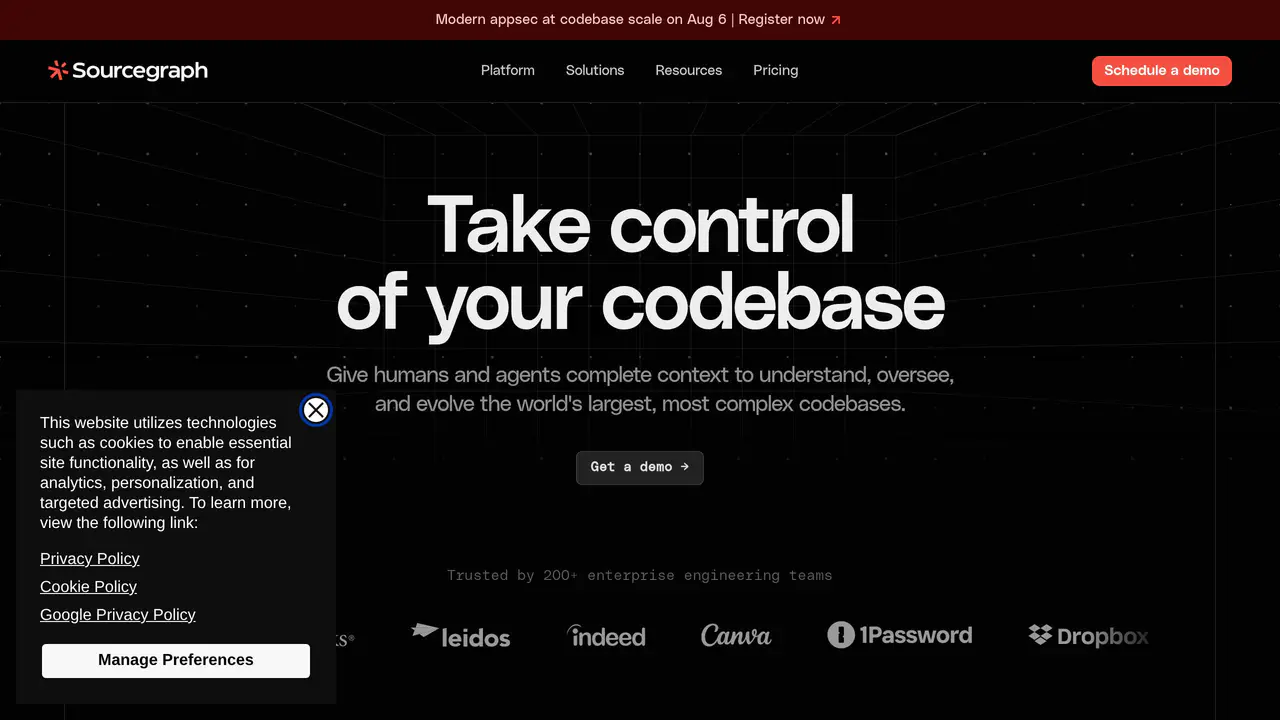
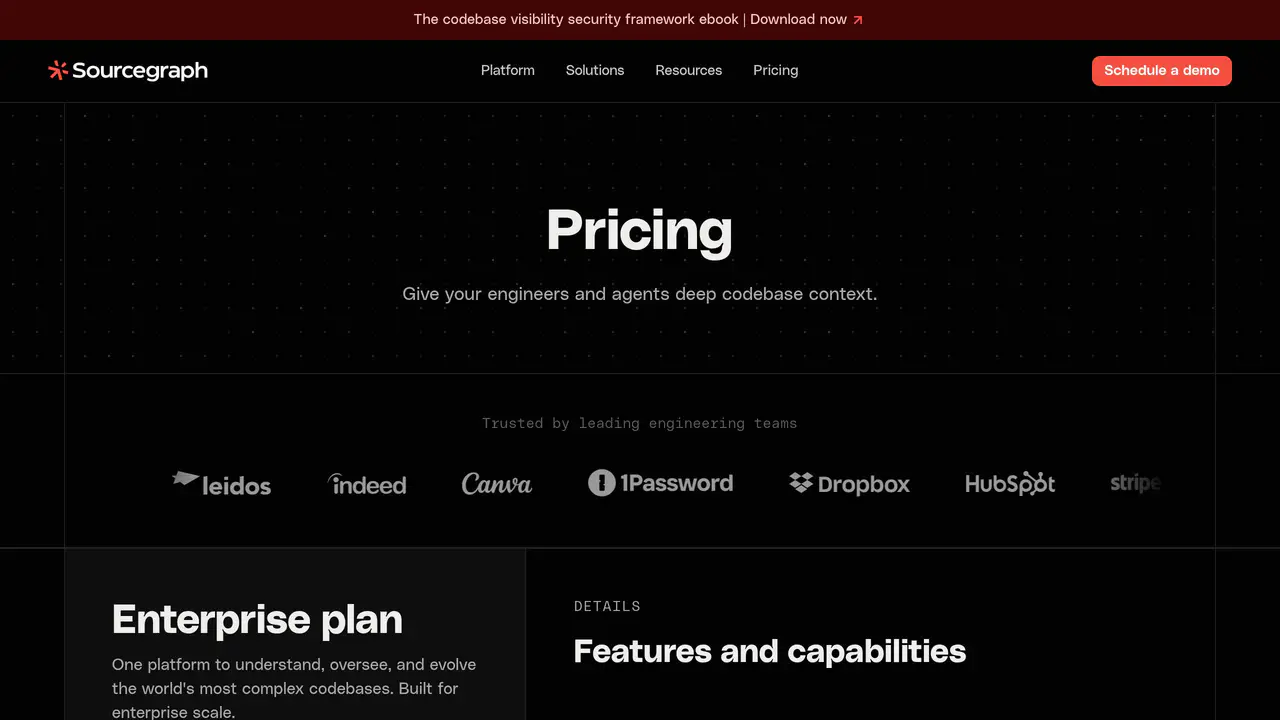
Read-only public captures of Sourcegraph Cody’s homepage and verified pricing page. Screenshots are dated, never live embeds, and open full-screen.
Short answers to the questions buyers and builders commonly ask about Sourcegraph Cody. Each answer cites the shared ledger below, where every source is listed once.
Cody is an AI coding assistant that writes, fixes, and maintains code · Deep Search provides natural language code search with a dedicated AI agent · Code Search searches entire codebase with exact, deterministic, exhaustive results · Agentic Batch Changes apply AI-driven large-scale code changes across repositories
Cody is and AI coding assistant that writes, fixes, and maintains your code
Enterprise engineering teams (200+ customers) · Sourcegraph is positioned as the top enterprise coding assistant for leading organizations · Engineering and security leaders operating across thousands of repositories
Trusted by 200+ enterprise engineering teams
Vulnerability remediation across every affected repository with auditable workflows · Large-scale code migrations, refactors, and dependency upgrades across every repository · Cross-repo refactors and migrations where agents follow API and library dependencies acros · Debugging and incident response with agents tracing incidents across affected repositories
Vulnerability remediation Find every affected repository and dependency immediately. Coordinate remediation with a complete audit trail
Existing benchmarks like SWE-bench test AI agents on small, self-contained repositories th
Existing benchmarks like SWE-bench test AI agents on small, self-contained repositories.
GraphQL and REST APIs plus CLI · Sourcegraph streaming search API for consuming search results as a stream of events · Sourcegraph Analytics API for accessing Sourcegraph Analytics data · Webhooks for receiving event notifications from Sourcegraph
GraphQL and REST APIs
MCP server provides SCIP-powered context to agents · Works with Claude Code, Cursor, Codex, Amp, and other agents/editors · Sourcegraph uses SCIP for code intelligence and provides an MCP server for agent integrati · Sourcegraph MCP server for connecting AI agents and applications to Sourcegraph's code sea
MCP Server. Make every token count. Give agents complete, SCIP-powered context to produce reliable results with fewer retries and lower inference spend.
This profile connects the jobs Sourcegraph Cody is described as handling with its delivery model, access options and the subjects used to match it to related products in this directory.
Each fact points to a recorded source, making it easy to distinguish verified product information from claims that need checking.
HTTP 200 verified twice
Sourcegraph — Code Understanding, Oversight and Evolution
Sourcegraph is a Code Intelligence platform · Cody is an AI coding assistant that writes, fixes, and maintains code · Deep Search provides natural language code search with a dedicated AI agent
Code Intelligence platform
Cody is an AI coding assistant that writes, fixes, and maintains code
Deep Search provides natural language code search with a dedicated AI agent
Code Search searches entire codebase with exact, deterministic, exhaustive results
Agentic Batch Changes apply AI-driven large-scale code changes across repositories
Code Navigation provides jump-to-definition, find references, and code browsing on any branch, commit, or PR
MCP server provides SCIP-powered context to agents
Works with Claude Code, Cursor, Codex, Amp, and other agents/editors
GraphQL and REST APIs plus CLI
A concise view of the jobs, capabilities and integrations described in the recorded product sources.
Documented product formats, platforms and official distribution destinations. Availability can vary by region and plan.
A concise history of software releases and material product changes. Events appear only when a dated source supports what changed.
Showing the newest updates and meaningful milestones. Open an entry for its summary and source.
Sourcegraph self-hosted 8.0.0 introduces Agentic Batch Changes, an agent-driven way to take action across a codebase.
View source [19]Facts, answers, structured details, milestones and primary resource links cite this shared ledger. Each external page appears once; release tags from the same GitHub project are grouped under one release history.
These tools share a workflow, capability or audience with Sourcegraph Cody. They may complement it rather than replace it, and are not presented as integrations or endorsements.
Single-tenant cloud and Self-hosted deployment options
SOC2 Type II + ISO27001 compliance with zero data retention for LLM inference
Enterprise authentication via SSO (SAML, OpenID Connect, OAuth), SCIM provisioning, and RBAC
24×5 support with Customer Success Manager and optional Premium support
Enterprise engineering teams (200+ customers)
Sourcegraph, Inc.
Sourcegraph is a code intelligence platform that allows developers to rapidly search, write, and understand code by bringing insights from their entire codebase right into their editor.
Sourcegraph is positioned as the top enterprise coding assistant for leading organizations to understand, fix, and automate code.
Sourcegraph is an all-remote company, working asynchronously across time zones and continents.
Deep Search lets users ask complex questions in natural language and get grounded, cited answers about any codebase.
MCP Server gives agents complete, SCIP-powered context to produce reliable results with fewer retries.
Code Search delivers exact, deterministic, and exhaustive results across the entire codebase, trusted by enterprise teams for over a decade.
Code Finder is an MCP tool now generally available that helps coding agents quickly locate relevant implementations, configuration, tests, or documentation within a repository.
Code Finder is generally available through the Sourcegraph MCP server.
Sourcegraph uses SCIP for code intelligence and provides an MCP server for agent integration.
Sourcegraph is a code intelligence platform
Sourcegraph CLI ('src') is a command-line interface to search code, create and apply batch changes, and manage repositories, users, and more
Sourcegraph MCP server for connecting AI agents and applications to Sourcegraph's code search capabilities
Sourcegraph streaming search API for consuming search results as a stream of events
Sourcegraph Analytics API for accessing Sourcegraph Analytics data
Webhooks for receiving event notifications from Sourcegraph
Sourcegraph 7.0 introduces a new versioned external API at /api-reference with backwards compatibility and migration assistance
Agentic Batch Changes is in public beta: an AI agent that scopes, executes, and ships large-scale code migrations across hundreds of repositories
Sourcegraph offers multiple search options including Code Search, Deep Search, and MCP
Sourcegraph is transitioning to a community-driven open source project
Sourcegraph offers a Slack integration
Support contact email: support@sourcegraph.com
Deterministic, exhaustive search across every repository and code host (Code Search)