
Freeper month
$0/month
- 1,000,000 tokens/month, 300,000 tokens/day, one app, one seat
Loading the latest directory information.
Start here for the decision-making essentials: what AskCodi does, who it is for, how it is accessed, and the first-party sources behind this profile.
$0/month
$99/month
$199/month
AskCodi, by Assistiv AI LTDA (founded 2022, São Paulo, Brazil), is an AI coding cofounder and workspace that plans, codes, tests, and opens reviewable pull requests via a desktop app and OpenAI-compatible AI Gateway.
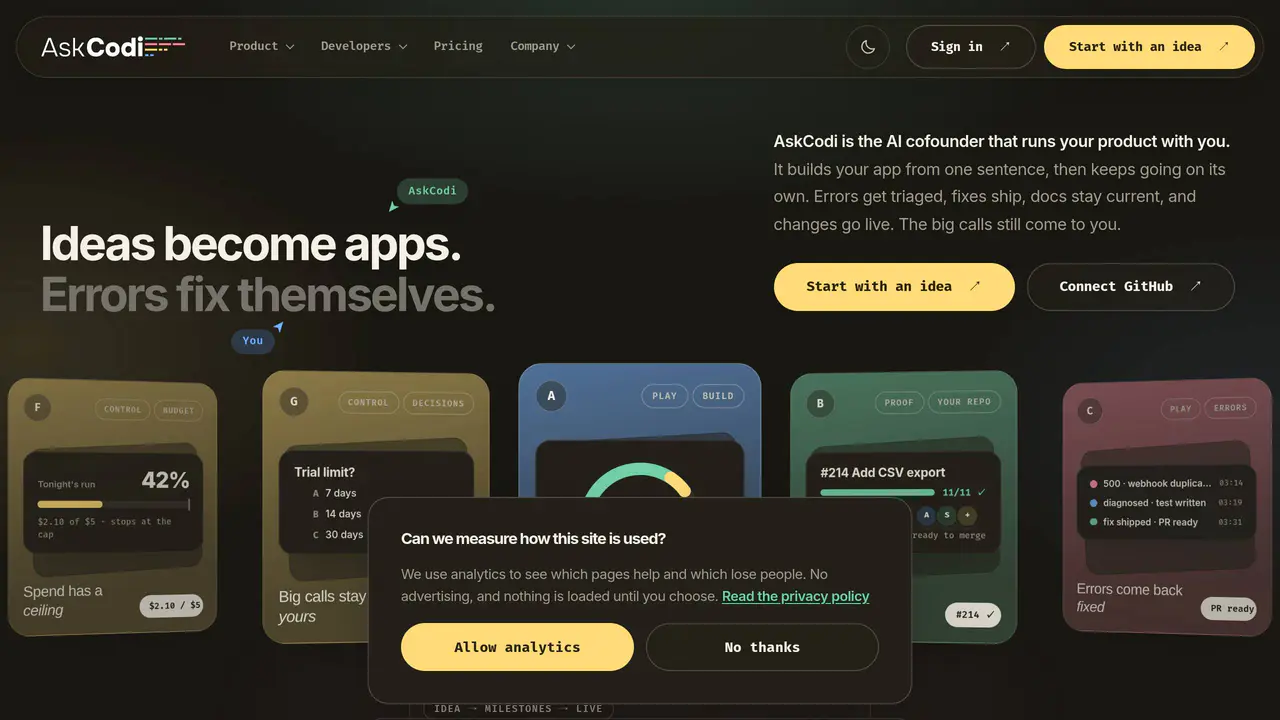
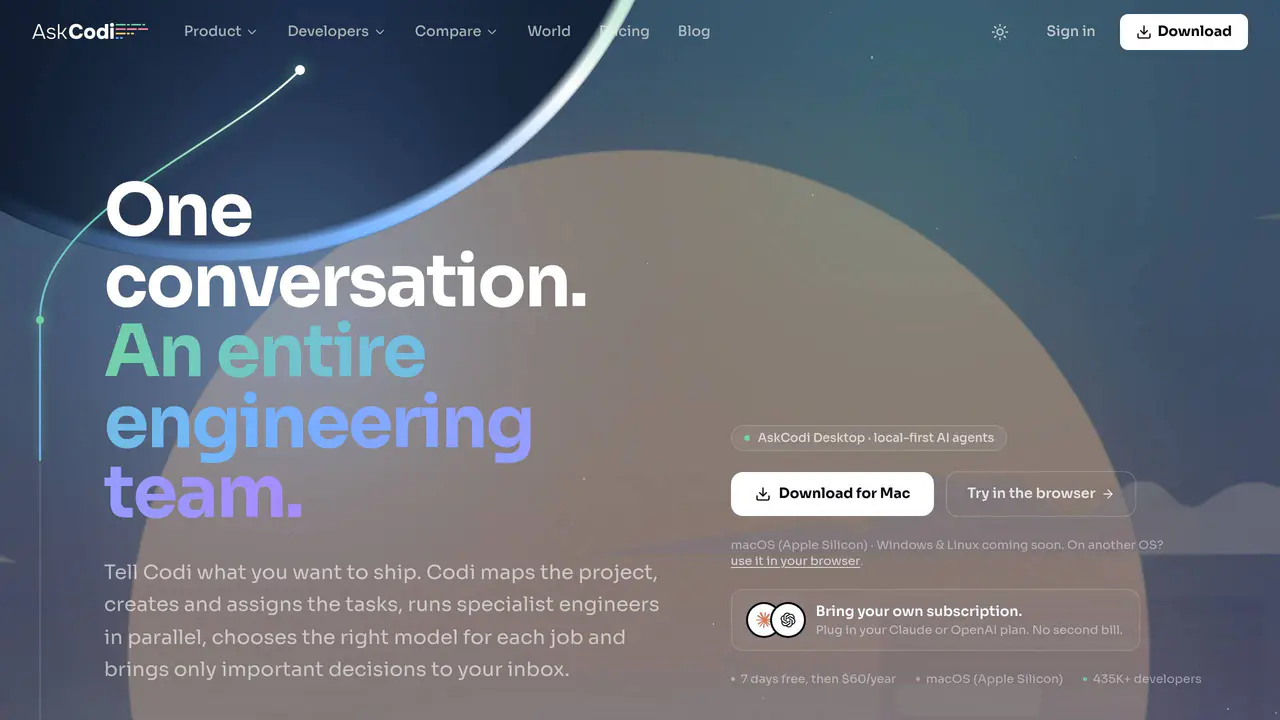
Read-only public captures of AskCodi’s homepage. Screenshots are dated, never live embeds, and open full-screen.
Short answers to the questions buyers and builders commonly ask about AskCodi. Each answer cites the shared ledger below, where every source is listed once.
Coding cofounder that plans, codes, tests, opens reviewable pull requests, and keeps usefu · Functions as a cofounder that owns software work end to end · AI Gateway provides unified access to Claude, GPT-5, Gemini, Grok and other models behind · AI coding workspace with chat, prompts, agents, and API access
AskCodi plans, codes, tests, opens reviewable pull requests, and keeps useful work moving.
Both new ideas (with scope and system design before code) and existing products connected · Coding assistance that delivers work arrived finished, tested, and reviewable
Both. A new idea starts with scope and system design before code. An existing product starts with GitHub
Free Plan data (prompts, responses, interactions) may be used for AI training and shared w · Children under 16 (or higher digital-consent age) prohibited; under-13 prohibited in US un
For users on Free Plans or when using free models, we may use prompts, responses, and interaction data for training and improving our AI models and services.
Free | $0/month | 1,000,000 tokens a month, 300,000 tokens a day cap reset at midnight UTC · Pro $99 | $99/month | $99 monthly credit (apps, seats and concurrent sessions identical to · Pro $199 | $199/month | $199 monthly credit (apps, seats and concurrent sessions identical
1,000,000 tokens a month Free, with no card.
AI Gateway is available as a standalone OpenAI-compatible API callable from any OpenAI-com · All models answer on the same endpoint with the same request shape · API available with API key generation and gateway endpoint
Use it from any OpenAI-compatible SDK or client with an AskCodi API key.
Continue.dev, Roocode, Cline, Zed, OpenAI Codex (each configured with a base URL and API k · Onboarding supports Claude Code or Codex as the CLI harness · Multiple third-party integrations including Anthropic, OpenAI, Google (AI model providers)
Continue.dev, Roocode, Cline, Zed, OpenAI Codex and more run on AskCodi models.
This profile connects the jobs AskCodi is described as handling with its delivery model, access options and the subjects used to match it to related products in this directory.
Each fact points to a recorded source, making it easy to distinguish verified product information from claims that need checking.
HTTP 200 verified twice
AskCodi, a coding cofounder that keeps shipping
Assistiv AI LTDA operates AskCodi · Founded 2022 in São Paulo, Brazil · Plans, codes, tests, opens reviewable pull requests
Assistiv AI LTDA
Coding cofounder that plans, codes, tests, opens reviewable pull requests, and keeps useful work moving
Both new ideas (with scope and system design before code) and existing products connected via GitHub
Works in a user-owned GitHub repository, making small reviewable branch-based changes whose repo checks must be green
Continue.dev, Roocode, Cline, Zed, OpenAI Codex (each configured with a base URL and API key)
AI Gateway is available as a standalone OpenAI-compatible API callable from any OpenAI-compatible SDK or client with an AskCodi API key
Free | $0/month | 1,000,000 tokens a month, 300,000 tokens a day cap reset at midnight UTC, one app, one seat, no card required
Pro $99 | $99/month | $99 monthly credit (apps, seats and concurrent sessions identical to Pro $29 and Pro $199)
Pro $199 | $199/month | $199 monthly credit (apps, seats and concurrent sessions identical to Pro $29 and Pro $99)
A concise view of the jobs, capabilities and integrations described in the recorded product sources.
Documented product formats, platforms and official distribution destinations. Availability can vary by region and plan.
A concise history of software releases and material product changes. Events appear only when a dated source supports what changed.
Showing the newest updates and meaningful milestones. Open an entry for its summary and source.
Finished tasks now require Codi's review before completion, no agent can merge into the working branch without user approval, and shared workspaces gain members and presence. Also adds session-based activity, one Codi turn per batch of answers, and keeps a spe
View source [1]Desktop 0.0.85 requires Codi's review before any task is marked done, surfaces every outcome in chat, and prevents agents from merging into the working branch without user approval.
View source [1]Every finished task now goes through Codi's review before counting as done, outcomes land visibly in chat, and no agent can merge into the user's working branch — approving the merge is always the user's click.
View source [1]Version 0.0.85 routes every finished task through Codi's review, surfaces outcomes in chat, and requires user approval before any agent can merge. Also adds shared workspaces with presence, session-based activity, and one Codi turn per batch.
View source [1]Engine failover lets Codi retry on the next connected engine when one hits a usage or auth limit, a cost-metering bug inflating Codex/gateway spend by ~100x is fixed, sessions become deletable, and importing the Claude CLI login now requires explicit opt-in.
View source [9]AskCodi released version 1.0.15, introducing AskCodi Desktop — a local-first AI engineering team that plans work via a CTO agent, builds in isolated git worktrees, and keeps code on the developer's laptop by default.
View source [3]AskCodi launches its Desktop product, described as an AI engineering team running locally, where a CTO agent plans work and specialists build in isolated git worktrees.
View source [3]Launches AskCodi Desktop: a local-first AI engineering team with a CTO agent planning work, specialists building in isolated git worktrees, and nothing leaving the user's machine unless they ship it.
View source [1]Facts, answers, structured details, milestones and primary resource links cite this shared ledger. Each external page appears once; release tags from the same GitHub project are grouped under one release history.
These tools share a workflow, capability or audience with AskCodi. They may complement it rather than replace it, and are not presented as integrations or endorsements.
São Paulo – SP, Brazil
Functions as a cofounder that owns software work end to end
AI Gateway provides unified access to Claude, GPT-5, Gemini, Grok and other models behind one key
Coding assistance that delivers work arrived finished, tested, and reviewable
Windows x64 desktop with installer and portable builds, with auto-updates
Desktop app that runs work on the user's own machine
Onboarding supports Claude Code or Codex as the CLI harness
App is Apache-2.0 licensed
Operated by Assistiv AI LTDA
Founded 2022
Avenida Brigadeiro Faria Lima, N. 2639, 101, São Paulo – SP, Brazil
All models answer on the same endpoint with the same request shape
Assistiv AI LTDA
Avenida Brigadeiro Faria Lima, N. 2639, 101, 01452-000 São Paulo – SP, Brazil
Brazil (LGPD), with GDPR compliance for users outside Brazil
AI coding workspace with chat, prompts, agents, and API access
Multiple third-party integrations including Anthropic, OpenAI, Google (AI model providers)
Cloud-hosted on Supabase and DigitalOcean infrastructure
Cloudflare Turnstile anti-bot protection
Chatwoot-powered customer support
API available with API key generation and gateway endpoint
Free Plan data (prompts, responses, interactions) may be used for AI training and shared with model providers
Children under 16 (or higher digital-consent age) prohibited; under-13 prohibited in US under COPPA
AI coding cofounder that plans, codes, tests, opens reviewable pull requests, and keeps wo · Builds and maintains software in a GitHub repository the user owns · Classified as a web-based DeveloperApplication
AI coding cofounder that plans, codes, tests, opens reviewable pull requests, and keeps work moving on a schedule
Building and maintaining software for both new ideas and existing products via a GitHub repository
DeveloperApplication (web-based AI coding tool)
Code is written into the user's own GitHub repository on a branch with the repository's own checks green before changes are merged
Desktop 0.0.84 adds mid-conversation engine failover when a provider limit resets, fixes a cost-metering bug that inflated Codex/gateway spend by ~100x, allows session deletion, and prompts before importing Claude CLI login.
View source [1]Added mid-conversation engine failover when an engine hits a usage limit or auth/credit failure; fixed a cost-metering bug that inflated Codex/gateway spend by ~100x; sessions are now deletable; Claude CLI login is no longer imported without consent.
View source [9]Desktop 0.0.84 adds engine failover so a rate-limited provider no longer stops Codi, fixes a ~100x cost-metering bug for Codex/gateway spend, and makes Claude CLI login import opt-in.
View source [9]AskCodi release 0.0.83 introduces an anonymous, opt-in feed of CTO routing decisions to support public savings reporting, off by default in the EU/UK pending consent.
View source [3]Desktop 0.0.83 adds an anonymous, opt-in feed of CTO routing decisions (model name, token counts, cost) gated by a Detailed analytics toggle, off by default in EU/UK pending consent.
View source [14]Adds an anonymous, opt-in feed of CTO routing decisions intended to back public savings figures. The feed is off by default in the EU/UK until the consent dialog is answered, and a Settings → Privacy toggle disables it everywhere.
View source [1]Introduced anonymous, opt-in routing telemetry when Detailed analytics is enabled, controlled by the same privacy setting. The release sends model and token metadata but excludes prompts, code, file paths, project and workspace names, branches, and commits.
View source [14]Adds an anonymous, opt-in feed of CTO routing decisions to validate the routing savings story; off by default in the EU/UK until the consent dialog is answered, with a single toggle in Settings → Privacy.
View source [1]Desktop 0.0.83 adds an anonymous, opt-in feed of CTO routing decisions gated by a privacy toggle, with EU/UK off by default until consent.
View source [14]Version 0.0.82 corrected the CTO chat header so the displayed model matches the model actually running, enabled per-turn cost tracking, and added quality-of-life improvements for multi-workspace users.
View source [3]The CTO chat header was corrected to show the actual running model, cost tracking was turned on for every chat turn, and multi-workspace quality-of-life improvements shipped.
View source [3]AskCodi release 0.0.82 corrects the CTO chat header's model display to match the running model, adds cost tracking per chat turn, and improves multi-workspace workflows.
View source [3]Made the model selector honest (no longer showing Opus while the engineer ran on Sonnet), enabled cost tracking for every chat turn, and added quality-of-life improvements for working across multiple workspaces.
View source [3]Corrected chat model labels to show the model actually running and enabled per-turn cost tracking and Saved-versus-Opus reporting. Added multi-workspace support and nested sub-chats while fixing stale cost calculations and session-creation failures.
View source [16]Version 0.0.82 corrects the CTO chat header so the displayed model matches the running model, enables per-turn cost tracking in every chat, and adds multi-workspace quality-of-life improvements.
View source [1]Corrects the CTO chat header so the displayed model matches the engineer actually running (no more showing Opus while Sonnet executes). Turns on cost tracking for every chat turn and adds workspace quality-of-life improvements.
View source [1]Desktop 0.0.82 fixes the CTO chat header to show the model actually running, enables per-turn cost tracking, and improves multi-workspace workflow.
View source [1]Made the model selector honest in the CTO chat header, enabled cost tracking for every chat turn, and added quality-of-life improvements for working across multiple workspaces.
View source [1]AskCodi Desktop launches as a local-first AI engineering team app: a CTO agent plans work, specialists build in isolated git worktrees, and code stays on the machine unless shipped.
View source [1]Launches AskCodi Desktop, a local-first AI engineering team where a CTO agent plans work and specialist agents build in parallel in isolated git worktrees.
View source [1]Version 1.0.15 launches AskCodi Desktop: a local-first AI engineering team where a CTO agent plans work, specialists build in isolated git worktrees, and code stays on the laptop until shipped.
View source [1]AskCodi Desktop 1.0.15 launches a local-first AI engineering team app: a CTO agent plans work, specialists build in isolated git worktrees, and code stays on the user's machine unless shipped.
View source [1]Version 1.0.14 delivered a reworked web chat supporting per-chat models and keys, a prompt library on the slash key, attachable skills, MCP servers, side-by-side model compare, and the ability to fork from any message.
View source [3]Released a rebuilt web chat with per-chat models and keys, a prompt library on the slash key, attachable skills, MCP servers, side-by-side model compare, and fork-from-any-message.
View source [3]AskCodi ships a redesigned web chat featuring per-chat model and key selection, a slash-key prompt library, attachable skills, MCP servers, side-by-side model compare, and message forking.
View source [3]Released a major web chat update adding per-chat models and keys, a prompt library on the slash key, attachable skills, MCP servers, side-by-side model compare, and fork from any message.
View source [3]Web chat gains per-chat models and keys, a prompt library on the slash key, attachable skills, MCP servers, side-by-side model compare, and fork from any message.
View source [1]Added per-chat models and keys, a slash-key prompt library, attachable skills, MCP servers, side-by-side model compare, and fork-from-any-message.
View source [1]Web chat adds per-chat models and API keys, a slash-key prompt library, attachable skills and MCP servers, side-by-side model compare, and fork-from-any-message.
View source [1]