


HTTP 200 verified twice
Finding your next stop…
Loading the latest directory information.
Loading the latest directory information.
Affinity is free professional creative software combining photo editing, vector design, and page layout in one app. It offers three integrated studios, AI-powered tools via Canva, and native integrations with DaVinci Resolve and Capture One.
Start here for the decision-making essentials: what Affinity Designer does, who it is for, how it is accessed, and the first-party sources behind this profile.
Free forever, with no restrictions or payment required
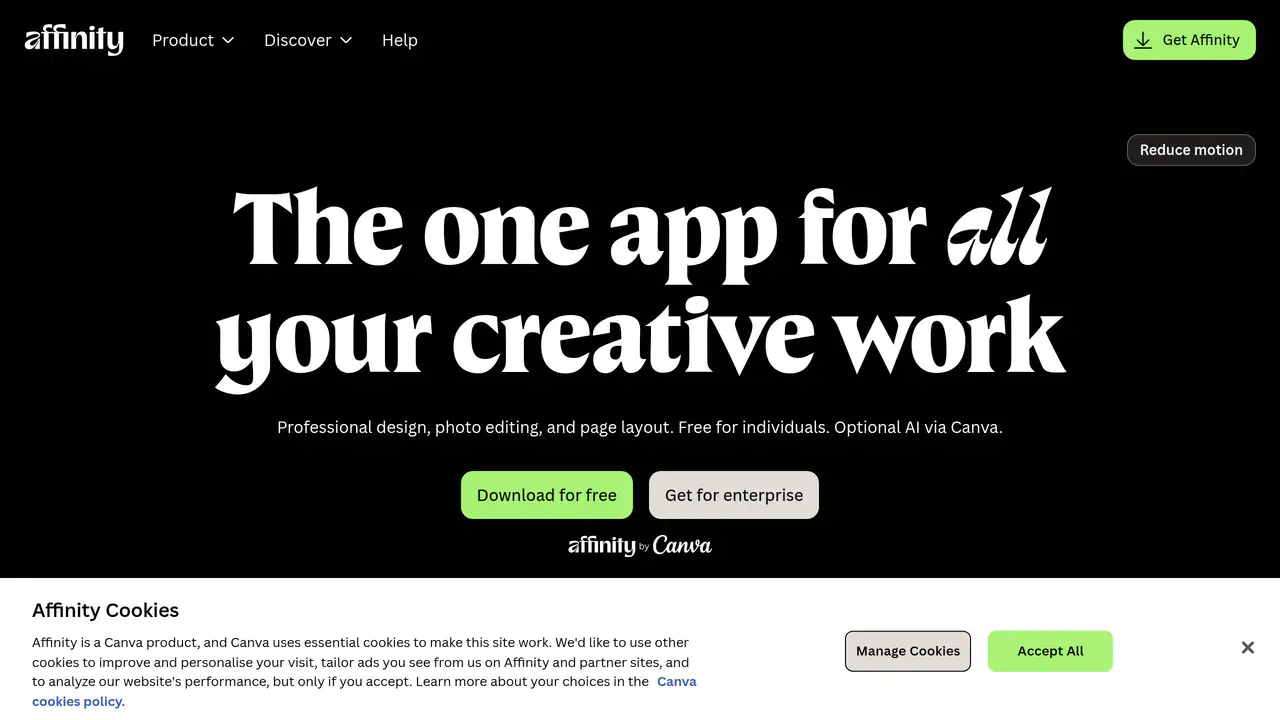
Read-only public captures of Affinity Designer’s homepage. Screenshots are dated, never live embeds, and open full-screen.
Short answers to the questions buyers and builders commonly ask about Affinity Designer. Each answer cites the shared ledger below, where every source is listed once.
Three integrated studios — Pixel, Vector, and Layout — all included for free with every to · Imports PSDs, AIs, IDMLs, DWGs and other file types with structure, layers, and creative i · AI-powered features including generative fill, background removal, and image and vector ge · Vector, layout, and pixel design tools
You can use every tool in the Pixel, Vector, and Layout studios, plus all of the customization and export features, as much as you want, with no restrictions or payment needed.
Free for individuals, with no restrictions on usage · Creatives and artists worldwide · Designers and illustrators who handle production tasks alongside creative work, including
Free for individuals.
Photo editing, vector design, and page layout within a single document workflow · Stories, ideas and insights from artists and designers shaping the future of design · Professional photo retouching and color grading workflows · Automatic layer and artboard renaming across documents with hundreds of layers
Expertly craft designs, edit your images, then lay it all out, without ever leaving your document.
Free forever, with no restrictions or payment required · AI features (generative fill, background removal, image and vector generation) require a C · Affinity access | Free | with a free Canva account · Canva AI Studio tools | Requires Canva premium plan | otherwise Canva Pro free trial avail
Yes, Affinity really is free. You can use every tool in the Pixel, Vector, and Layout studios, plus all of the customization and export features, as much as you want, with no restrictions or payment needed.
DaVinci Resolve supports Affinity .af files natively; updated .af files refresh in Resolve · Capture One supports the .af file format with one-click handoff carrying layers, masks, me · Affinity AI Connector for Claude — an MCP (Model Context Protocol) integration that automa · Canva AI Studio (Select Subject, Remove Background, text-to-image generation)
DaVinci Resolve now supports native Affinity .af files, so your designs move straight into professional video editing without the usual file gymnastics.
Content stored locally on device
In Affinity, your content is stored locally on your device and we don't have access to it.
This profile connects the jobs Affinity Designer is described as handling with its delivery model, access options and the subjects used to match it to related products in this directory.
Each fact points to a recorded source, making it easy to distinguish verified product information from claims that need checking.
HTTP 200 verified twice
Affinity | Professional Creative Software, Free for Everyone
Professional creative software combining photo, design, and page layout in one app · Three integrated studios — Pixel, Vector, and Layout — included for free · Imports PSDs, AIs, IDMLs, DWGs, and other file types with structure preserved
Professional creative software combining photo, design, and page layout in one app
Three integrated studios — Pixel, Vector, and Layout — all included for free with every tool and feature unlocked
Imports PSDs, AIs, IDMLs, DWGs and other file types with structure, layers, and creative intent preserved
AI-powered features including generative fill, background removal, and image and vector generation, delivered via Canva
Photo editing, vector design, and page layout within a single document workflow
Free for individuals, with no restrictions on usage
Free forever, with no restrictions or payment required
AI features (generative fill, background removal, image and vector generation) require a Canva premium plan
DaVinci Resolve supports Affinity .af files natively; updated .af files refresh in Resolve automatically
A concise view of the jobs, capabilities and integrations described in the recorded product sources.
Documented product formats, platforms and official distribution destinations. Availability can vary by region and plan.
A concise history of software releases and material product changes. Events appear only when a dated source supports what changed.
This profile is being checked for dated releases and material product changes. Nothing appears here until the exact date and event can be verified from a recorded source.
Facts, answers, structured details, milestones and primary resource links cite this shared ledger. Each external page appears once; release tags from the same GitHub project are grouped under one release history.
These tools share a workflow, capability or audience with Affinity Designer. They may complement it rather than replace it, and are not presented as integrations or endorsements.
Capture One supports the .af file format with one-click handoff carrying layers, masks, metadata, annotations, overlays, guides, and watermarks
Affinity AI Connector for Claude — an MCP (Model Context Protocol) integration that automates production workflows and supports custom scripting
Affinity (alternate names: Serif Ltd, Affinity by Canva)
Creative freedom shouldn't come with a price tag
Create your way — powerful tools, fair access, no limits
Creatives and artists worldwide
Stories, ideas and insights from artists and designers shaping the future of design
Inspired.af — creative inspiration hub with Stories and Product sections
The Affinity Manifesto – For Creatives, By Creatives
Stories blog featuring interviews and behind-the-scenes insights from artists and creators using Affinity
Product blog covering feature updates, app updates, release announcements and practical tips
Affinity is now brought to you by Canva
Vector, layout, and pixel design tools
Photo, design, and layout features
Canva AI Studio (Select Subject, Remove Background, text-to-image generation)
Cavalry motion design tool
Canva Brand Kit and export to Canva
Affinity access | Free | with a free Canva account
Canva AI Studio tools | Requires Canva premium plan | otherwise Canva Pro free trial available
Content stored locally on device
User content is not used to train AI features
The new Affinity by Canva app will receive free updates and new features over time
Professional photo retouching and color grading workflows
Affinity integrates with Claude via an AI Connector
Affinity includes both vector and raster tools built into the core of the app
Automatic layer and artboard renaming across documents with hundreds of layers
Batch resize and reformat a master design into multiple social, print, and web versions in one go
Bulk non-destructive adjustments across hundreds of pages, including image tone and grid spacing