

HTTP 200 verified twice
Finding your next stop…
Loading the latest directory information.
Loading the latest directory information.
AutoPod is an Adobe Premiere Pro extension that automatically edits multi-camera video podcasts and shows. It creates jump cuts during silent portions, generates social clips, and supports up to 10 cameras and speakers with multiple unique audio tracks.
Start here for the decision-making essentials: what AutoPod does, who it is for, how it is accessed, and the first-party sources behind this profile.
See official pricing
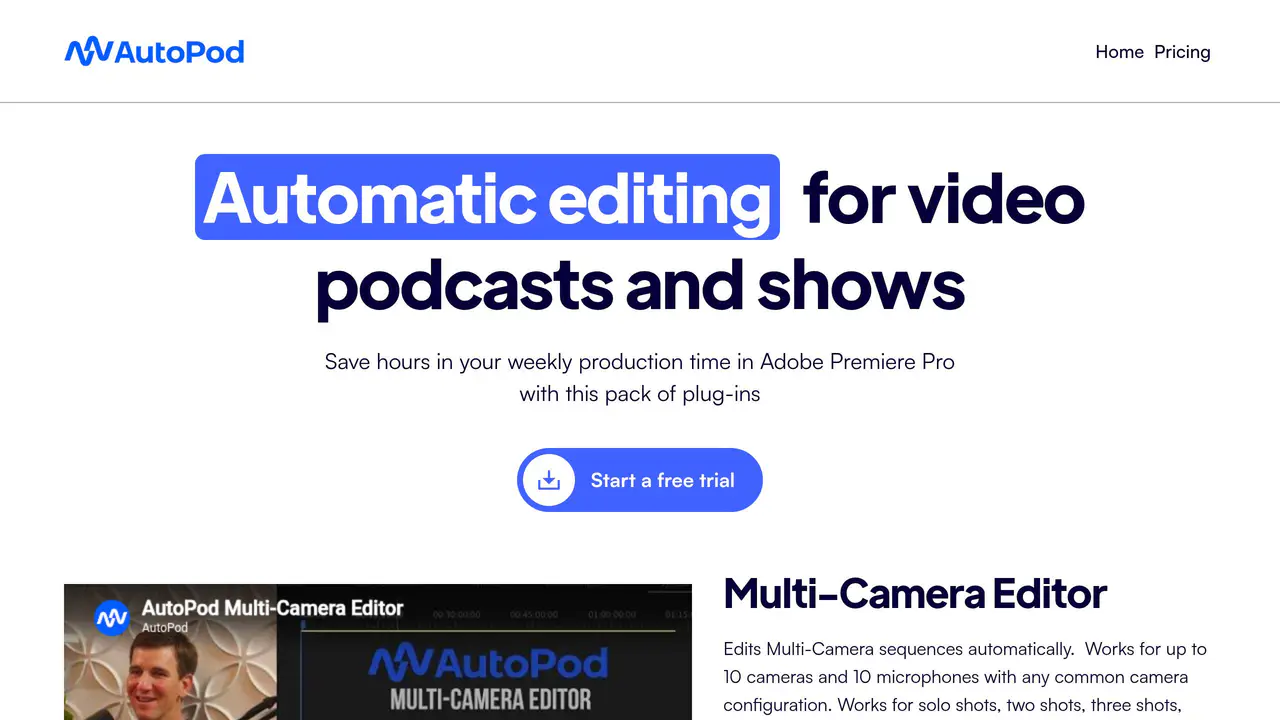
Read-only public captures of AutoPod’s homepage and verified pricing page. Screenshots are dated, never live embeds, and open full-screen.
Short answers to the questions buyers and builders commonly ask about AutoPod. Each answer cites the shared ledger below, where every source is listed once.
Automatic multi-camera video editing for podcasts · Automatic creation of jump cuts during silent portions of videos · Automatic creation of social clips
Edit multi-camera videos automatically, create social clips, and create jump cuts during silent portions of videos.
Designed for video podcast and video show editors
designed for video podcast and video show editors
Supports up to 10 cameras and 10 microphones / 10 speakers · Requires multiple cameras and multiple unique audio tracks; cannot be used for single-sour
Current release supports up to 10 speakers with any combination of single shots, two shots, three shots, and wide shots.
Integrates with Adobe Premiere Pro through Window -> Extensions menu
Navigate up top to Window -> Extensions and click on the desired AutoPod app.
Local desktop installation via installer file on the user's computer
After downloading the installer, simply run the installer file.
Video podcast and video show editors
designed for video podcast and video show editors
This profile connects the jobs AutoPod is described as handling with its delivery model, access options and the subjects used to match it to related products in this directory.
Each fact points to a recorded source, making it easy to distinguish verified product information from claims that need checking.
HTTP 200 verified twice
AutoPod | Automatic Podcast Editing for Premiere Pro
Automatic multi-camera video editing for podcasts · Automatic creation of jump cuts during silent portions of videos · Automatic creation of social clips
Automatic multi-camera video editing for podcasts
Automatic creation of jump cuts during silent portions of videos
Automatic creation of social clips
Designed for video podcast and video show editors
Adobe Premiere Pro plug-in / extension
Adobe Premiere Pro 2023 or newer
Local desktop installation via installer file on the user's computer
Integrates with Adobe Premiere Pro through Window -> Extensions menu
Supports up to 10 cameras and 10 microphones / 10 speakers
A concise view of the jobs, capabilities and integrations described in the recorded product sources.
Documented product formats, platforms and official distribution destinations. Availability can vary by region and plan.
A concise history of software releases and material product changes. Events appear only when a dated source supports what changed.
This profile is being checked for dated releases and material product changes. Nothing appears here until the exact date and event can be verified from a recorded source.
Facts, answers, structured details, milestones and primary resource links cite this shared ledger. Each external page appears once; release tags from the same GitHub project are grouped under one release history.
These tools share a workflow, capability or audience with AutoPod. They may complement it rather than replace it, and are not presented as integrations or endorsements.
Requires multiple cameras and multiple unique audio tracks; cannot be used for single-source clips
One license is allowed to be used on only one computer
AutoPod LLC
Saint Charles, Missouri, United States
Automatically edits multi-camera sequences, creates social clips, and creates jump cuts du · Requires Adobe Premiere Pro 2023 or newer · Set of Adobe Premiere Pro plug-ins for video podcast and video show editors
Automatically edits multi-camera sequences, creates social clips, and creates jump cuts during silent portions of videos
Adobe Premiere Pro (2023 or newer)
Adobe Premiere Pro plug-in/extension
Automatic editing of multi-camera video podcasts and video shows
Video podcast and video show editors
Up to 10 cameras and 10 microphones (up to 10 speakers) per edit; license tied to a single computer
Desktop plug-in installed on the user's computer via downloaded installer
Requires multiple cameras and multiple unique audio tracks; cannot be used with a single camera or single audio track
One license key activates on only one computer
Missouri, United States
HTTP 200 verified