


HTTP 200 verified twice
Finding your next stop…
Loading the latest directory information.
Loading the latest directory information.
Start here for the decision-making essentials: what Almanack does, who it is for, how it is accessed, and the first-party sources behind this profile.
Free to start
Almanack is an AI-powered web educational application that helps K-12 teachers, curriculum directors, and schools adapt, differentiate, and plan curriculum, units, lessons, and report card comments. Free to start, it integrates with Google Classroom, Canvas, and SSO providers.
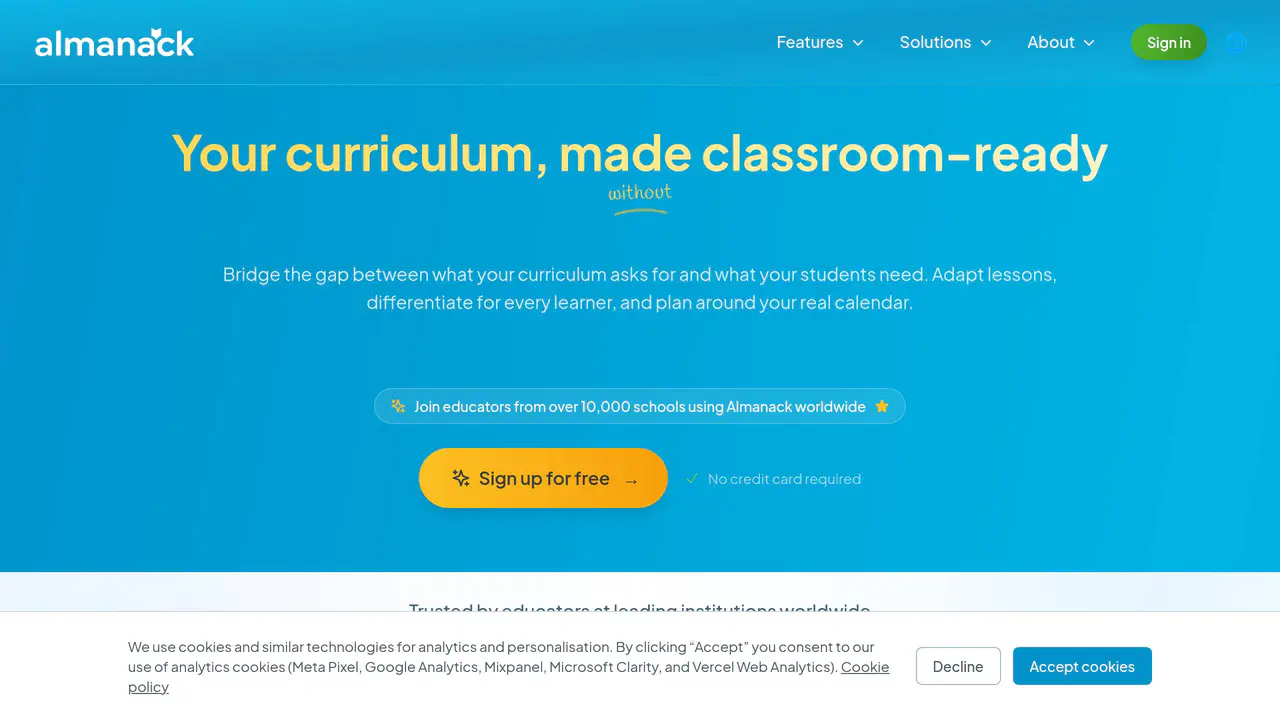
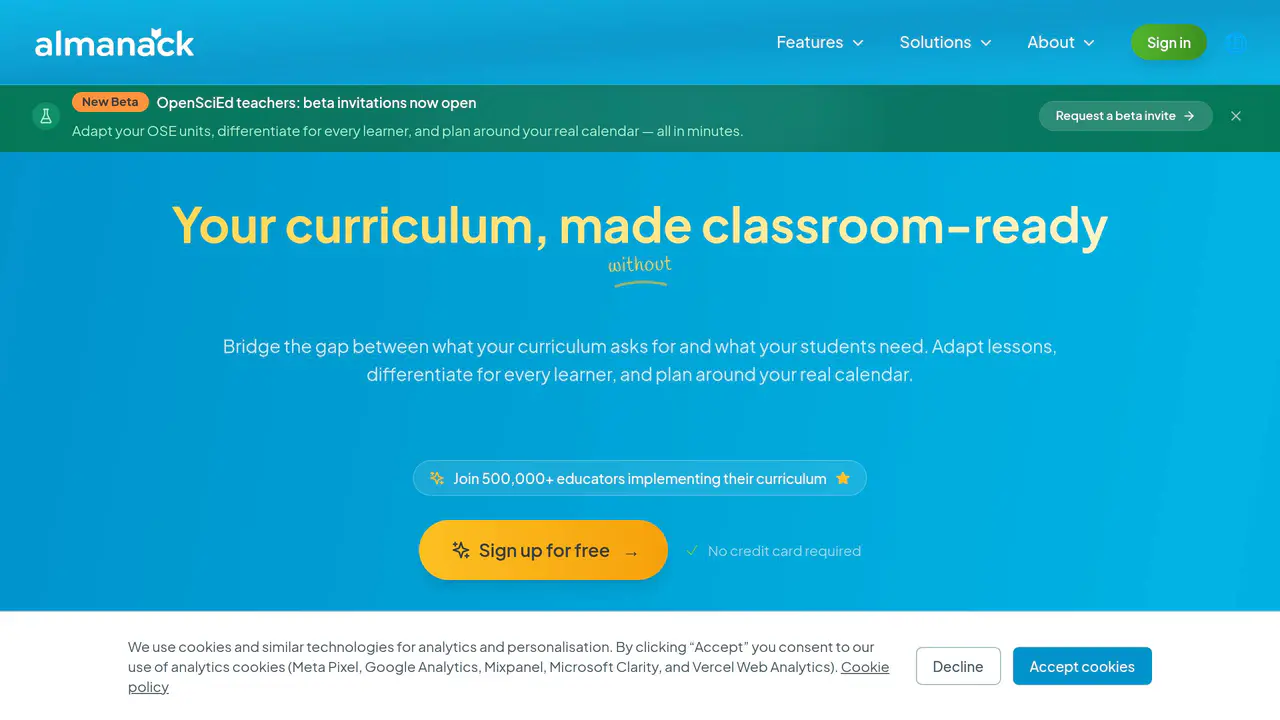
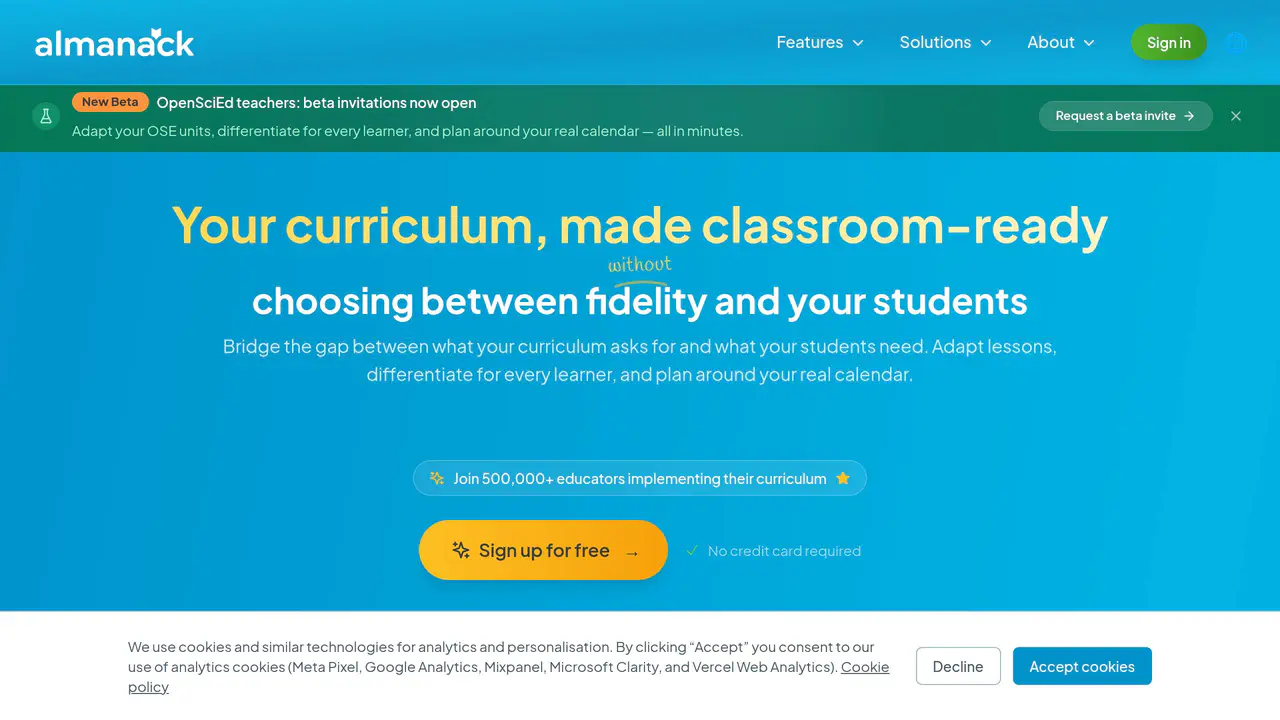
Read-only public captures of Almanack’s homepage and verified pricing page. Screenshots are dated, never live embeds, and open full-screen.
Short answers to the questions buyers and builders commonly ask about Almanack. Each answer cites the shared ledger below, where every source is listed once.
AI-powered curriculum adaptation, differentiation, replanning, translation, and standards- · AI-powered report card comment generation with voice mode · Curriculum, unit, and lesson planning assistance for schools
Adapt lessons, differentiate for every learner, and plan around your real calendar.
Teachers (including first-year and veteran), curriculum directors, and K-12 schools/distri · Teachers, principals, heads of teaching and learning, and curriculum leaders in schools
Any teacher who's tired of spending hours hunting for resources. Whether you're new to teaching or a 20-year veteran
Implementation layer that bridges district curriculum requirements and classroom reality f · Curriculum and course design, unit planning, and lesson and resource creation including di · Creating personalized student report card comments and feedback · Curriculum design, unit planning, and differentiated lesson/resource creation
Almanack is the implementation layer: teachers adapt with fidelity, curriculum directors see coverage across every course, and students get what they need.
OAuth 2.0 with scoped access tokens
API Security: OAuth 2.0 and scoped access tokens.
Single sign-on with Google Workspace for Education, Microsoft Entra ID (Azure AD), Clever, · Google Workspace, Google Classroom, Microsoft Office, and YouTube · Complements existing systems such as Google Classroom, Canvas, and SEQTA (does not replace · Complements existing LMS systems including Google Classroom, Canvas, and SEQTA
Sign in with Google Workspace for Education or a personal Google account. Microsoft Sign in with Microsoft Entra ID (Azure AD)—including school and organizational accounts. Clever Single sign-on for districts that use Clever. ClassLink Single sign-on for districts that use ClassLink LaunchPad.
This profile connects the jobs Almanack is described as handling with its delivery model, access options and the subjects used to match it to related products in this directory.
Each fact points to a recorded source, making it easy to distinguish verified product information from claims that need checking.
HTTP 200 verified twice
Your curriculum, made classroom-readywithoutspending your weekends rewriting lessons
AI-powered curriculum adaptation, differentiation, replanning, translation, and standards- · Free to start · Web-based EducationalApplication
AI-powered curriculum adaptation, differentiation, replanning, translation, and standards-aligned assessment generation
Implementation layer that bridges district curriculum requirements and classroom reality for teachers, curriculum directors, and students
Teachers (including first-year and veteran), curriculum directors, and K-12 schools/districts
Free to start
Web
EducationalApplication
Single sign-on with Google Workspace for Education, Microsoft Entra ID (Azure AD), Clever, and ClassLink LaunchPad
Google Workspace, Google Classroom, Microsoft Office, and YouTube
208+ countries, 150,000+ teachers, and 10,000+ schools
A concise view of the jobs, capabilities and integrations described in the recorded product sources.
Documented product formats, platforms and official distribution destinations. Availability can vary by region and plan.
A concise history of software releases and material product changes. Events appear only when a dated source supports what changed.
Showing the newest updates and meaningful milestones. Open an entry for its summary and source.
Almanack's blog published a teacher-facing guide on delivering constructive negative feedback to students, with classroom examples illustrating positive versus negative framing.
View source [12]Almanack's blog published a guide outlining seven strategies teachers can use to deliver personalized, actionable student feedback while managing classroom workload.
View source [11]Facts, answers, structured details, milestones and primary resource links cite this shared ledger. Each external page appears once; release tags from the same GitHub project are grouped under one release history.
These tools share a workflow, capability or audience with Almanack. They may complement it rather than replace it, and are not presented as integrations or endorsements.
Curriculum and course design, unit planning, and lesson and resource creation including differentiated materials and worksheets
Web
EducationalApplication
Complements existing systems such as Google Classroom, Canvas, and SEQTA (does not replace LMS)
X9 Studios Inc, doing business as Almanack
Canada
Cloud-hosted; primary application hosting runs on Vercel with supporting cloud services for storage, email delivery, analytics, and databases
OAuth 2.0 with scoped access tokens
AI-powered report card comment generation with voice mode
Curriculum, unit, and lesson planning assistance for schools
Creating personalized student report card comments and feedback
Curriculum design, unit planning, and differentiated lesson/resource creation
Teachers, principals, heads of teaching and learning, and curriculum leaders in schools
Complements existing LMS systems including Google Classroom, Canvas, and SEQTA
$0
https://twitter.com/almanackai
support@almanack.ai
No student data required; teachers do not need to enter student names or sensitive information
Web-based educational application · Adapt, differentiate, replan, and translate curriculum lessons in one place · Generate lesson plans, worksheets, slide decks, assessments, activities, games, and unit p
Web-based educational application
Adapt, differentiate, replan, and translate curriculum lessons
Generate lesson plans, worksheets, slide decks, assessments, activities, games, and unit plans aligned to standards
Curriculum implementation and lesson planning for K-12 teachers
Teachers (any experience level), schools, and districts
Free to start ($0)
Single sign-on via Google Workspace for Education, Microsoft Entra ID (Azure AD), Clever, and ClassLink LaunchPad
Google Workspace, Google Classroom, Microsoft Office, YouTube
English, Spanish, French