

HTTP 200 verified twice
Finding your next stop…
Loading the latest directory information.
Loading the latest directory information.
Start here for the decision-making essentials: what Alfred does, who it is for, how it is accessed, and the first-party sources behind this profile.
Alfred core is free to download and use forever, with no strings attached
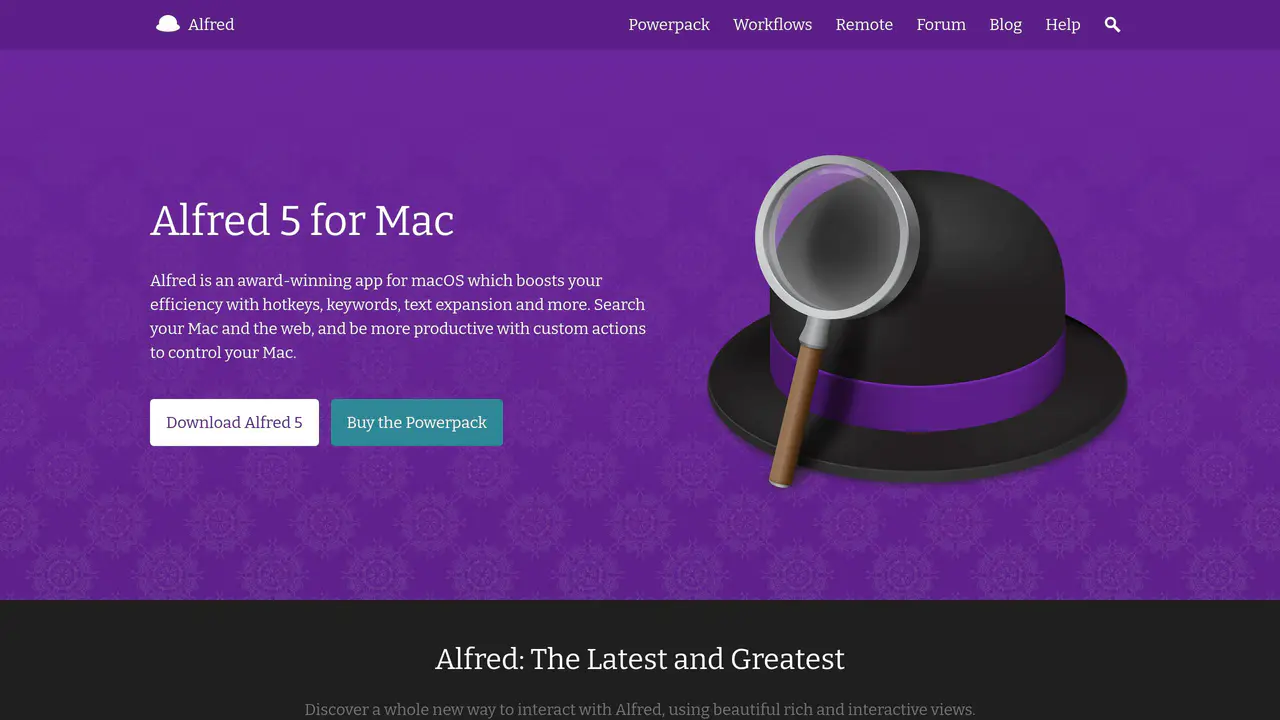
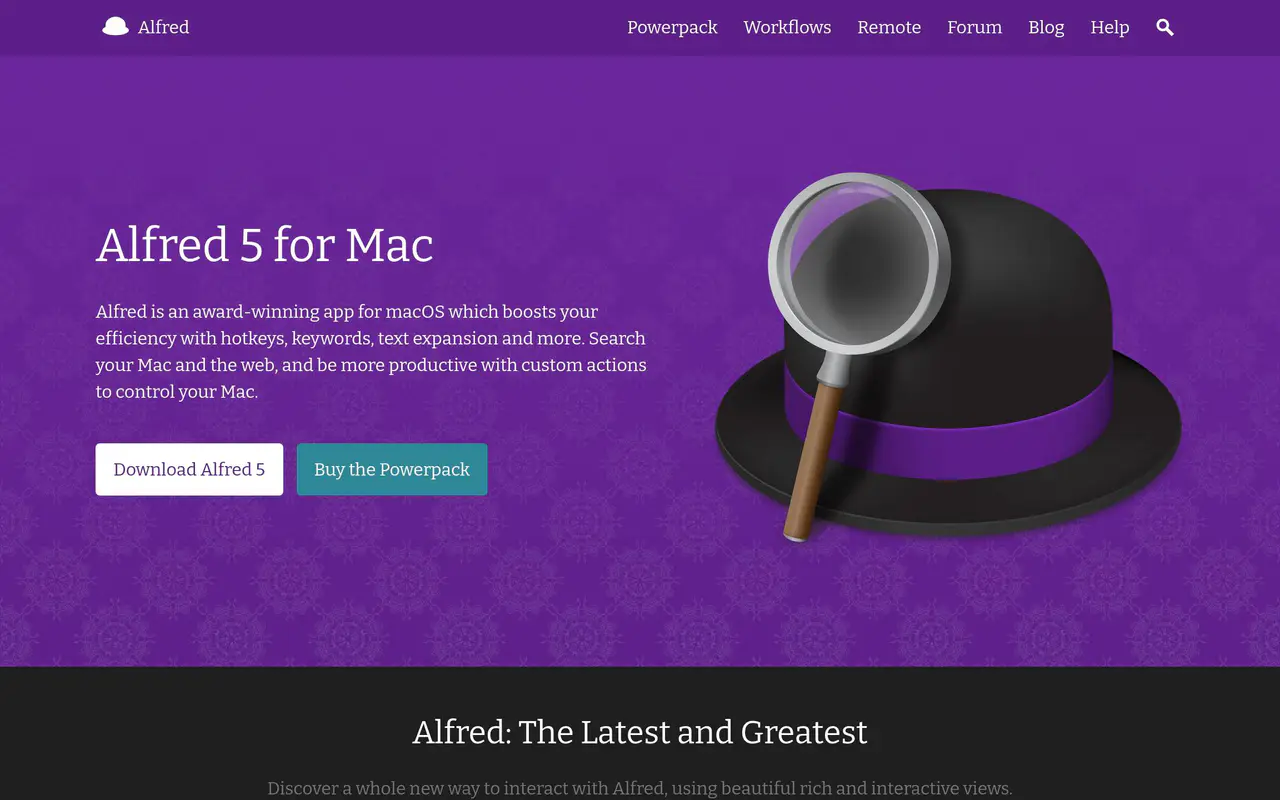
Read-only public captures of Alfred’s homepage and verified pricing page. Screenshots are dated, never live embeds, and open full-screen.
Alfred is a keyboard-driven macOS productivity launcher offering hotkeys, keywords, text expansion, clipboard history, and no-code workflows via its Powerpack. The core app is free, with advanced features unlocked by Powerpack, plus an iOS companion remote app.
Short answers to the questions buyers and builders commonly ask about Alfred. Each answer cites the shared ledger below, where every source is listed once.
Alfred is a productivity application for macOS that boosts efficiency with hotkeys, keywor · Clipboard History to locate and re-paste any text, image, or file previously copied · Snippets feature auto-expands short abbreviations into full text snippets · Workflows (Powerpack) link hotkeys, keywords, and actions together to automate tasks witho
Alfred is a productivity application for macOS, which boosts your efficiency with hotkeys, keywords and text expansion.
Extending Alfred via user-built Workflows to create custom time-saving tools · Controlling macOS from the keyboard via System Commands (Sleep, Lock, Restart, Shut Down, · Searching and opening 1Password 1Click Bookmarks · Quickly look up a friend's phone number, email address, or address and take action without
With Alfred's incredibly flexible workflows, you can extend Alfred to create your own amazing time-saving tools.
Creating or importing custom themes is a Powerpack-only feature · The /Dropbox/Apps/ folder cannot be used as Alfred's sync folder · Snippets do not auto-expand inside secure text fields such as password fields · Non-Powerpack users can only launch macOS Contacts.app with the contact's details and do n
Creating themes, exporting and importing them is a Powerpack feature.
Alfred core is free to download and use forever, with no strings attached · Free core features; advanced features unlocked with the paid Powerpack license · Free version available; premium features require a separately purchased Powerpack license
The core of Alfred is free for you to download and use forever, with no strings attached.
1Password bookmarks integration for secure website access · Supports Mail.app, Mailplane, Postbox, Postbox Express, Sparrow, AirMail, MailMate, and so · Opens contact addresses in Apple Maps by default, with the Maps URL service changeable in · Can compose contact emails via Gmail in a web browser when enabled in Contacts > Email pre
Get secure and fast access to websites with 1Password's bookmarks integration.
Alfred settings can be synced across multiple Macs · Alfred 4 requires macOS 10.11 El Capitan or higher, on 64-bit Intel or Apple Silicon; Alfr · Preferences can be synced across multiple Macs using Dropbox, Google Drive, iCloud Drive, · Locally installed macOS application that requires system permissions (key combination simu
Keep your Alfred settings in sync across your Macs.
This profile connects the jobs Alfred is described as handling with its delivery model, access options and the subjects used to match it to related products in this directory.
Each fact points to a recorded source, making it easy to distinguish verified product information from claims that need checking.
HTTP 200 verified twice
Alfred 5 for Mac
Productivity application for macOS · Boosts efficiency with hotkeys, keywords, and text expansion · Companion Alfred Remote for iOS
Alfred is a productivity application for macOS that boosts efficiency with hotkeys, keywords, and text expansion
macOS, with companion app Alfred Remote for iOS
Clipboard History to locate and re-paste any text, image, or file previously copied
Snippets feature auto-expands short abbreviations into full text snippets
Workflows (Powerpack) link hotkeys, keywords, and actions together to automate tasks without writing code
1Password bookmarks integration for secure website access
Alfred settings can be synced across multiple Macs
Alfred core is free to download and use forever, with no strings attached
Alfred 5.7.3 Build 2320
A concise view of the jobs, capabilities and integrations described in the recorded product sources.
Documented product formats, platforms and official distribution destinations. Availability can vary by region and plan.
A concise history of software releases and material product changes. Events appear only when a dated source supports what changed.
Showing the newest updates and meaningful milestones. Open an entry for its summary and source.
Alfred 5.7.3 adds a mitigation for a macOS Tahoe window rendering quirk affecting multiple desktop spaces and updates the Xcode build environment.
View source [6]Build 2312 overhauled File Search fallback ranking to request files in a pre-sorted order, added Recent Documents support for Tahoe, and adjusted several default result limits.
View source [6]Build 2307 refined the overhauled macOS System Settings search, added Passwords support on macOS 13 and 14, and improved hyphenated term matching and setting icons.
View source [6]Alfred 5.7 adds support for macOS 26 Tahoe, overhauls built-in macOS System Settings search, and introduces a new macOS Settings proxy in Alfred Remote.
View source [6]Alfred 5.7 added support for macOS 26 Tahoe, overhauled built-in macOS System Settings searching, and removed the need for the companion workflow.
View source [6]Build 1305 prepared Alfred 5 migration and compatibility, persisted the 'Treat Input as Universal Action' flag on Keyword and Script Filter inputs, and improved macOS Ventura compatibility.
View source [3]Alfred 4.6.7 ships Alfred 5 migration and compatibility preparation, and an Early Access build of Alfred 5 becomes available on alfredapp.com.
View source [3]Facts, answers, structured details, milestones and primary resource links cite this shared ledger. Each external page appears once; release tags from the same GitHub project are grouped under one release history.
These tools share a workflow, capability or audience with Alfred. They may complement it rather than replace it, and are not presented as integrations or endorsements.
Running with Crayons Ltd, founded by Andrew Pepperrell and Vero Pepperrell
2010
macOS
iOS
Includes a full visual development environment for workflows
231 Automation Tasks available out of the box, with more being added regularly
Full application distributed in a sub-6 MB dmg with no additional background downloads
Workflows can be created without scripting or coding
Alfred 5 (superseded Alfred 4 in July 2022)
Alfred 4 requires macOS 10.11 El Capitan or higher, on 64-bit Intel or Apple Silicon; Alfred 5 recommended on macOS 13 Ventura and above
Alfred forum is the fastest and best place to get help with the app
United Kingdom (team is based in the UK and responds during UK business hours)
Twitter @alfredapp (informal channel, not official support)
macOS
Productivity launcher with searchable default results, file search, clipboard history, snippets, calculator, dictionary, contacts, system commands, web search/bookmarks, and extensible workflows
Free core features; advanced features unlocked with the paid Powerpack license
Keyboard-driven productivity/launcher app for macOS
Extending Alfred via user-built Workflows to create custom time-saving tools
Controlling macOS from the keyboard via System Commands (Sleep, Lock, Restart, Shut Down, Volume, Eject, Quit/Force Quit apps, etc.)
Searching and opening 1Password 1Click Bookmarks
Preferences can be synced across multiple Macs using Dropbox, Google Drive, iCloud Drive, or OneDrive (files must be kept available offline)
Creating or importing custom themes is a Powerpack-only feature
The /Dropbox/Apps/ folder cannot be used as Alfred's sync folder
Help and community support via @alfredapp on Twitter and the Alfred Forum
macOS
Alfred 5
Mac productivity and workflow application
Workflows link hotkeys, keywords and actions together and can be created without writing code
Build 1303 fixed a regression in latching input filter placeholder results, corrected workflow File Filter UI table headers, and added a plist option to skip the login-item check on update.
View source [3]Alfred 4.6.5 adds 1Password 8 integration via a new workflow and updates the in-preferences 1Password link for 1Password 8 users.
View source [3]Alfred 4.6.5 Build 1299 added 1Password 8 integration via a new Alfred Workflow and improved threading in Export Diagnostics.
View source [3]Build 1294 improved result re-selection behaviour in Alfred's default results and added other refinements ahead of macOS Ventura.
View source [3]