Start here for the decision-making essentials: what Adobe Color does, who it is for, how it is accessed, and the first-party sources behind this profile.
PricingCurrent signal
See official pricing
Platforms
Web
API accessNot public
FoundedNot disclosed by source
AvailabilityWeb / remote
LicenseProprietary
Official site snapshots
See the official site at a glance
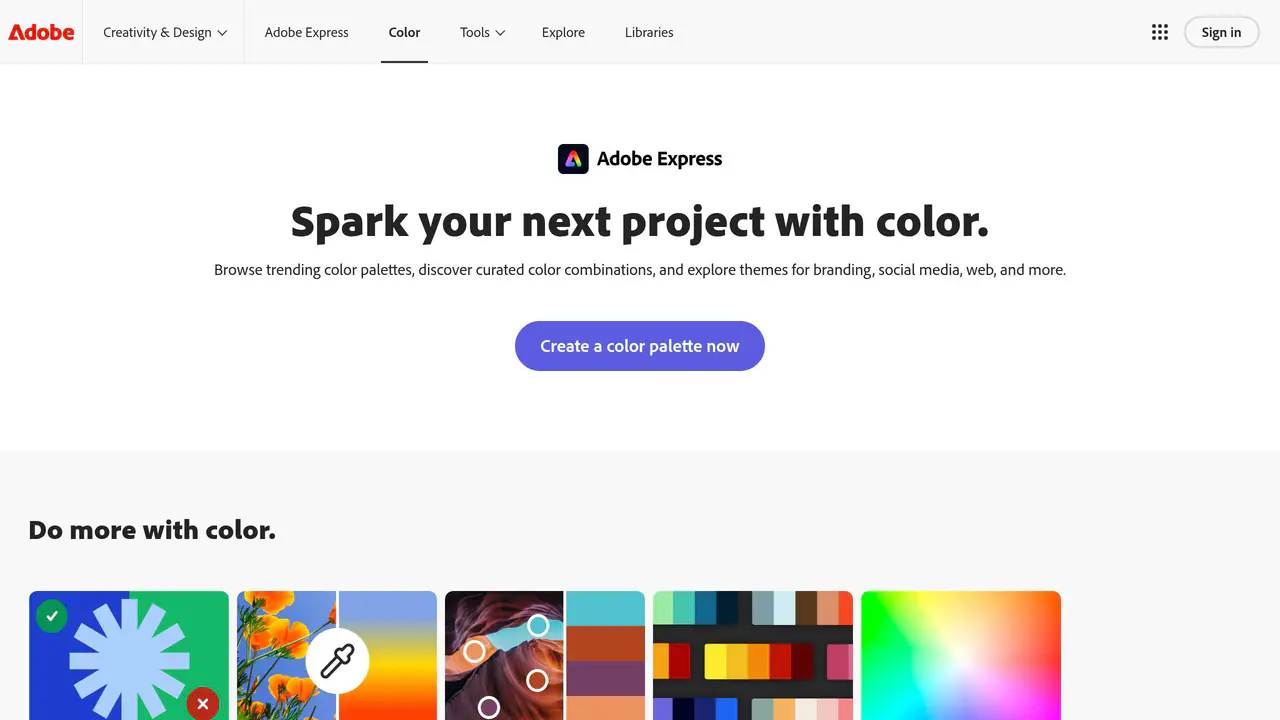
Read-only public captures of Adobe Color’s homepage. Screenshots are dated, never live embeds, and open full-screen.
Short answers to the questions buyers and builders commonly ask about Adobe Color. Each answer cites the shared ledger below, where every source is listed once.
This profile connects the jobs Adobe Color is described as handling with its delivery model, access options and the subjects used to match it to related products in this directory.
Each fact points to a recorded source, making it easy to distinguish verified product information from claims that need checking.
Official website
HTTP 200 verified
Official page title
Color Palettes & Themes | Adobe Express
Practical capabilities
What it helps with
1 documented areas
A concise view of the jobs, capabilities and integrations described in the recorded product sources.
Focus area
Design tools
Availability
Where it runs and where to get it
Source checked
Documented product formats, platforms and official distribution destinations. Availability can vary by region and plan.
Cost / license
See official pricing
Platforms
Web
Implementation details
Adoption notes
DeploymentWeb
LicenseProprietary
Model supportProvider-managed unless documented otherwise
Data controlReview the provider's current privacy, retention and subprocessors documentation before adoption
Learning curveBeginner
Primary use cases
What to verify before adopting
Confirm current pricing, quotas and feature availability with the provider.
Test output quality and reliability against your own workflow before committing.
Review privacy, security and contractual requirements for sensitive data.
Evolution and major updates
Adobe Color timeline
A concise history of software releases and material product changes. Events appear only when a dated source supports what changed.
Research in progress
Scheduled for research
Building a reliable release history.
This profile is being checked for dated releases and material product changes. Nothing appears here until the exact date and event can be verified from a recorded source.
Dated event Short explanation Original source
Citation ledger
Recorded sources
1 unique page
Facts, answers, structured details, milestones and primary resource links cite this shared ledger. Each external page appears once; release tags from the same GitHub project are grouped under one release history.
1color.adobe.com 2 facts · 3 answers · 1 snapshot source · Official site
These tools share a workflow, capability or audience with Adobe Color. They may complement it rather than replace it, and are not presented as integrations or endorsements.
Design tools · ToolCorelDRAWProfessional graphic design software for Windows, macOS, and web, offering vector illustration, page layout, photo editing, typography, and AI-powered image generation. Includes browser-based CorelDRAW Go, broad file format support, and tools for logos, signage, technical illustration, and custom graphics.Also mapped to Design tools
Design tools · ToolDesignhillDesignhill is a bootstrapped, profitable creative marketplace founded in 2014. It connects businesses and individuals with professional designers and artists through contests, one-to-one projects, an AI-powered logo maker, a no-code website builder, print services, digital business assets, and artist storefronts.Also mapped to Design tools
Design tools · ToolHamaAn AI image eraser that makes it simple and easy to remove unwanted people, objects, text, and more from your photos or images. Just brush over the part of the photo you want to erase and click Erase to delete unnecessary objects for free in 5 seconds. We recommend hama AI Image Eraser tool.Also mapped to Design tools
Design tools · ToolJustSketchMeJustSketchMe is a character posing tool that lets artists create 3D pose references for dynamic scenes, hand posing, lighting, and extreme perspective. It offers a free tier with an optional Pro subscription and runs across web, mobile, and desktop.Also mapped to Design tools